
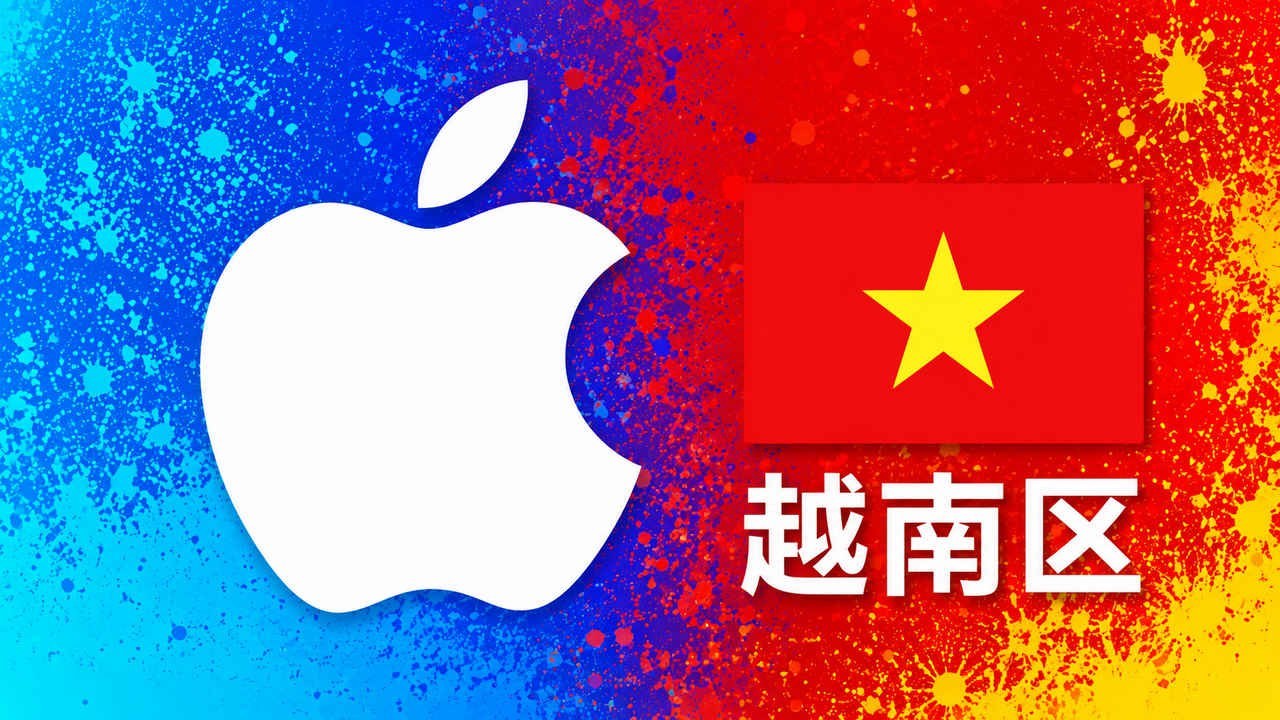
Product Details
⚠️ Key Confirmation Before Purchase: This product is ONLY for use with 【Vietnam Region Apple ID】 top-ups. It absolutely cannot be redeemed on non-Vietnam region accounts. Before purchasing, buyers must confirm that their account region is Vietnam and the account status is normal. Virtual card codes are instant and one-time use. Once the system automatically delivers the product, no refunds or exchanges will be supported for any reason other than an error in the card code itself. Do not purchase if your account is subject to risk control, disabled, or purchase-limited!
This product is a Vietnam Region App Store & iTunes Gift Card Virtual Redemption Code (also known as Vietnam Apple Top-Up Card, Vietnam Region iTunes Gift Card). After placing an order, users will automatically receive a virtual redemption card code, which can be 100% redeemed into the buyer's own Vietnam region Apple ID account balance. It is a secure and essential channel for enjoying low-cost digital content in the Vietnam Apple ecosystem, overseas mobile game top-ups, various productivity software, and multimedia service subscriptions.
I. Vietnam Region Apple Gift Card Spending Permission Details
| ✅ Fully Supported (Account Balance Spending) | ❌ Explicitly Not Supported (Please Do Not Misapply) |
|---|---|
| • Purchase of paid apps and popular overseas games on the Vietnam App Store • In-app purchases for Vietnam server mobile games/software (e.g., game item top-ups, software premium memberships) • Subscription to low-cost plans for Apple Music, Apple TV+ digital content • iCloud storage plan expansion and auto-renewal • Digital movies, e-books, and other digital content officially supported by iTunes Store |
• Strictly prohibited for use with non-Vietnam region Apple IDs (e.g., China/US/Hong Kong regions) • Cannot be directly deducted from balance by other family members via Family Sharing • Cannot be used for gifting, purchasing other gift cards, or secondary redemption • For physical hardware, accessories, etc., please refer to the actual payment page balance support status in the Vietnam region |
II. Official App Store Gift Card Redemption Tutorial
📱 iPhone / iPad Mobile Operation:
- Confirm the device is logged into a Vietnam region Apple ID with normal status.
- Open the device's built-in App Store.
- Tap the 【Profile Icon】 in the top right corner to enter the account management page.
- Select the 【Redeem Gift Card or Code】 option.
- Tap manual entry, accurately paste the Apple virtual card code you received, and confirm the redemption. The balance will be credited in real-time.
💻 Mac Computer Operation:
Open App Store on your Mac > Click your 【Account Icon】 in the bottom left corner > Click 【Redeem Gift Card】 in the top right corner > Paste the redemption code and confirm.
III. After-Sales Service & Secure Transaction Rules
- Card Code Security Check: If the system indicates an error or unrecognizable card code, please immediately retain the complete error screenshot provided by Apple and contact our online after-sales customer service for official card status verification.
- Buyer Disclaimer: If the card code cannot be successfully redeemed due to the buyer's account region not matching, the account being subject to Apple's risk control/disabled/purchase limit, or triggering the platform's anti-theft lock due to a large number of top-ups/purchases in a short period, this store does not provide refunds or compensation.
- Security Reminder: Do not trust any high-risk fraudulent services such as "cheap top-up agent" or "high-discount black card top-up". Do not disclose your Apple ID password, verification codes, rescue email, or other private information to strangers.
💡 Friendly Reminder: This product is specifically provided for individuals and cross-border marketing teams who hold a Vietnam region Apple ID and have long-term needs for digital content consumption, mobile game in-app purchases, matrix application testing, and subscription renewals. Before ordering, please ensure you are familiar with Apple's official account policies and always complete the secure top-up within the official App Store.
🔗 Apple Official Compliance Terms Reference Links:
→ Apple Gift Card Legal Terms → Apple Official How to Redeem Gift Card Guide
→ Apple Gift Card Legal Terms → Apple Official How to Redeem Gift Card Guide
Product FAQ
After purchasing a Vietnamese Apple gift card on this site with automatic delivery, can I apply for a refund if I fail to switch regions?
No refunds or exchanges are supported. Cross-region digital card codes, as a sensitive instant-consumption virtual asset, are highly single-use and irreversible. Once the system has automatically delivered the card, except in cases of technical defects in the card code, this site does not accept any refund or exchange requests due to the buyer's own network technical issues, incorrect region selection, operational errors, or your Apple ID triggering Vietnam's official protective risk control. Given the relatively special risk control threshold for cross-region purchases, it is recommended that buyers purchase only if they have basic knowledge of foreign service redemption, and please keep your original card code safe and do not disclose it to any third-party top-up platforms.
The face value of Vietnam top-up codes is generally large. After redeeming them to your account, can they be spent in batches across different apps?
Absolutely. Due to the large face value of Vietnam's local currency, the 150,000 to 2,000,000 VND spot codes provided on this site, once successfully redeemed, will become a fixed local currency balance in your Vietnam Apple ID wallet. This balance is not tied to any single app. You can use it like a digital wallet—deduct a portion today to renew iCloud storage, and deduct another portion tomorrow to purchase a standalone paid game. As long as the balance is sufficient, you can flexibly spend it in batches across different apps indefinitely, greatly facilitating domestic users who do not have a local Vietnamese bank card.
Why does the system prompt 'Cannot be redeemed in your current country/region' when recharging a Vietnam iTunes Gift Card?
When this occurs, first thoroughly check whether your Apple ID's registered country has been correctly changed to 'Vietnam' (the prices in the App Store should display the ₫ or VND currency symbol). Secondly, Apple has recently significantly upgraded its risk control measures against cross-region 'digital migration' for low-price regions like Southeast Asia. If your account is newly registered or the network environment during recharge is not clean enough (e.g., using a public server proxy IP), such restrictions are easily triggered. It is recommended to ensure a stable network environment when recharging, avoid extra spaces when entering information, and if the issue persists, please keep a full screenshot containing the error code and contact customer service promptly for assistance.
Many popular mobile games' international servers operate independently in Vietnam. Can Vietnamese Apple gift cards be used for in-game purchases?
Absolutely. Due to policy reasons, many internationally renowned mobile games (such as shooting, competitive, and anime-style games) have their Southeast Asian or international servers independently operated by local publishers in Vietnam, making it impossible for regular foreign Apple accounts to download or make purchases. Purchasing Vietnamese Apple gift cards is an excellent way for domestic players to bypass restrictions and smoothly make in-game purchases on Vietnamese servers. Once the account is successfully topped up, the Vietnamese Dong balance can not only be used for mobile game microtransactions but also supports subscriptions to regionally low-priced streaming services and local independent software tools. It is an essential virtual asset for App Store subscriptions and in-app purchases on Southeast Asian servers.
Q5:因买家账号本身风控、禁用、限购或广告扣款异地异常导致余额被冻结,本站支持退款吗?
答:本站免责,概不提供退款或补偿。因买家自身网络节点变动、未遵循一机一号一IP的合规守则、或账号本身已被苹果官方或 Meta 底层系统判定为风控异常号,导致卡密无法充值或到账余额被锁死冻结的,均属于买家账号与操作环境问题。日常使用请务必合规健康养号,严格远离任何“低价代充”或黑卡服务,以确保您的海外数字资产安全。
Related Products
 Hong Kong Apple Gift Card | Hong Kong iTunes Gift Card | 15-1000 HKD Options
Manual Delivery
25.00CNY
Stock: Unlimited
Discount
Hong Kong Apple Gift Card | Hong Kong iTunes Gift Card | 15-1000 HKD Options
Manual Delivery
25.00CNY
Stock: Unlimited
Discount
 Japan Apple Gift Card | Japanese iTunes Gift Card | 100-10000 Yen Options
Manual Delivery
16.00CNY
Stock: Unlimited
Discount
Japan Apple Gift Card | Japanese iTunes Gift Card | 100-10000 Yen Options
Manual Delivery
16.00CNY
Stock: Unlimited
Discount
 US Apple Gift Card | US iTunes Gift Card | $2-$100 Options Available
Manual Delivery
20.00CNY
Stock: Unlimited
Discount
US Apple Gift Card | US iTunes Gift Card | $2-$100 Options Available
Manual Delivery
20.00CNY
Stock: Unlimited
Discount
 Taiwan Apple Gift Card | iTunes Gift Card for Taiwan Region | 50-5000 TWD Options
Manual Delivery
25.00CNY
Stock: Unlimited
Discount
Taiwan Apple Gift Card | iTunes Gift Card for Taiwan Region | 50-5000 TWD Options
Manual Delivery
25.00CNY
Stock: Unlimited
Discount




 1
1



